
Data Training
The docs you've built up
become answers as they are
Organize documents and FAQs into folders, upload them, and they become LIA's knowledge as-is. Decide which folders to reference with a single switch, and whatever you register is reflected in answers immediately.
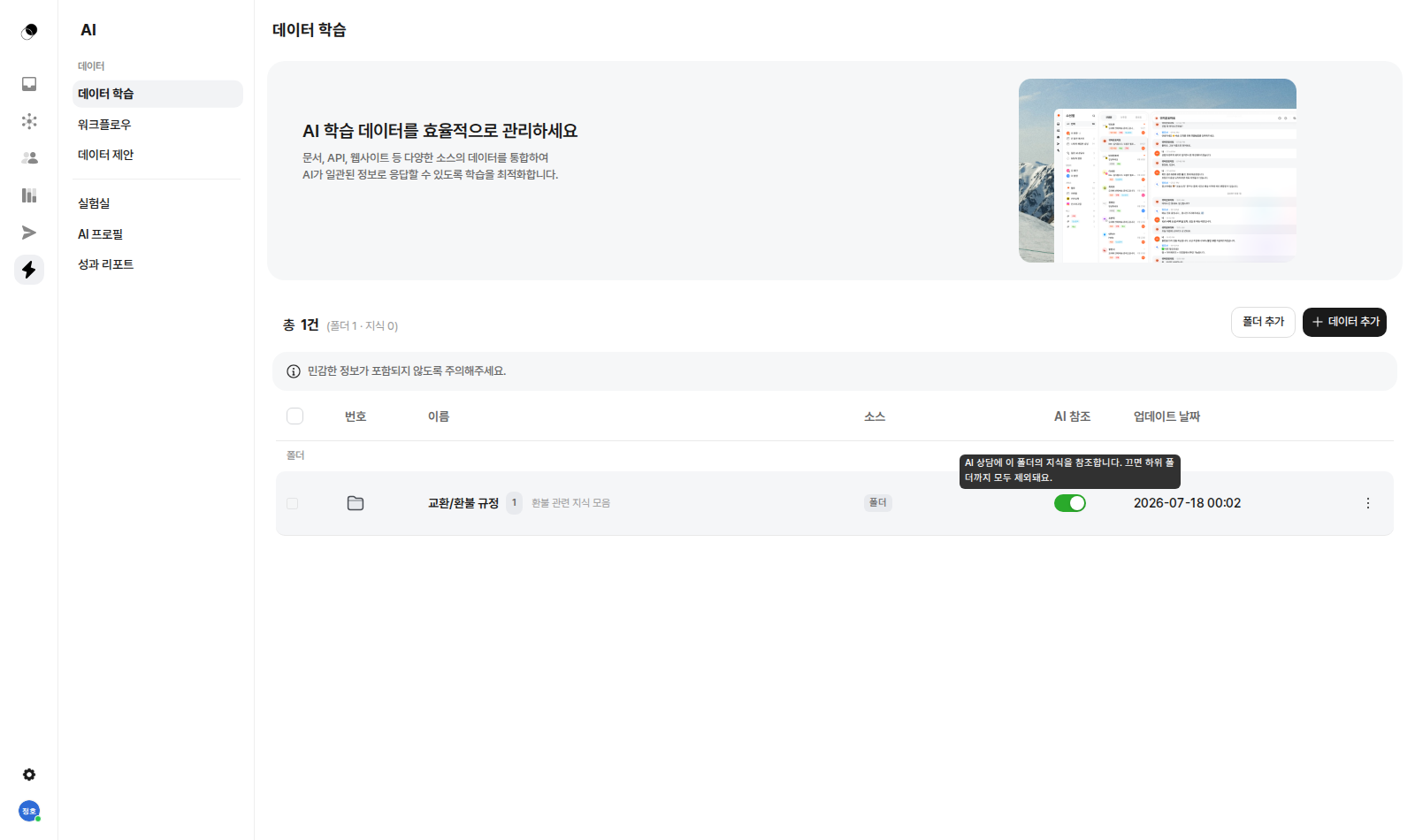

Start from the documents your team already has.
Upload, organize, turn on reference—that's all there is to training.
How it works
From upload to answers in three steps
What's included
Multi-source training
Turn documents, APIs, and websites into knowledge
Folder management
Organize by topic and grasp it at a glance
AI reference switch
Control usage by folder, subfolders included
Instant reflection
Used in answers from the moment you register
Reference rate
See usage per knowledge item and improve
Getting started
Start with what your team already has
You can train on data from a variety of sources—documents, APIs, websites, and more. If you already have organized FAQs and policy documents, start by uploading those. There's no need to write anything new from scratch; you can begin with just the materials you have now.
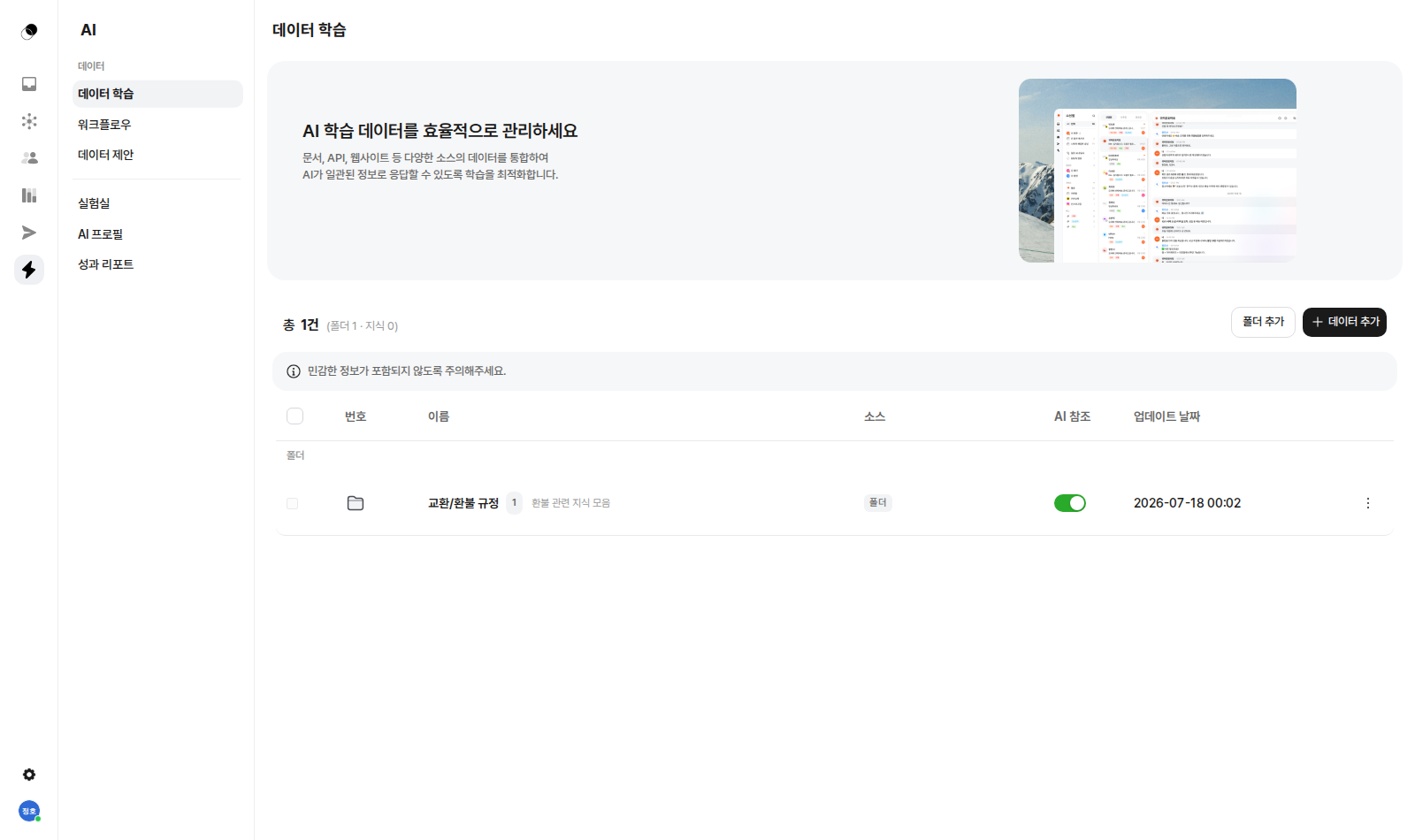
Knowledge organized into folders
Exchange and refund policies, shipping guides, product FAQs—put them into folders exactly the way your team already thinks about them. Each folder shows its knowledge count and last-updated date, making it easy to spot outdated knowledge. Well-organized knowledge is easy to maintain, and easy-to-maintain knowledge makes for good answers.
Toggle which knowledge to reference
Every folder has an AI-reference switch. Turn it on and that folder's knowledge is referenced in answers; turn it off and everything beneath it is excluded too. Controlling things—like turning off internal manuals and turning on only customer-facing policies—is a single click.
Register it, and it's reflected right away
No retrain button, no waiting for it to take effect. From the moment you register knowledge, the new content is used in answers. The day a policy changes, the answers customers hear change that same day.
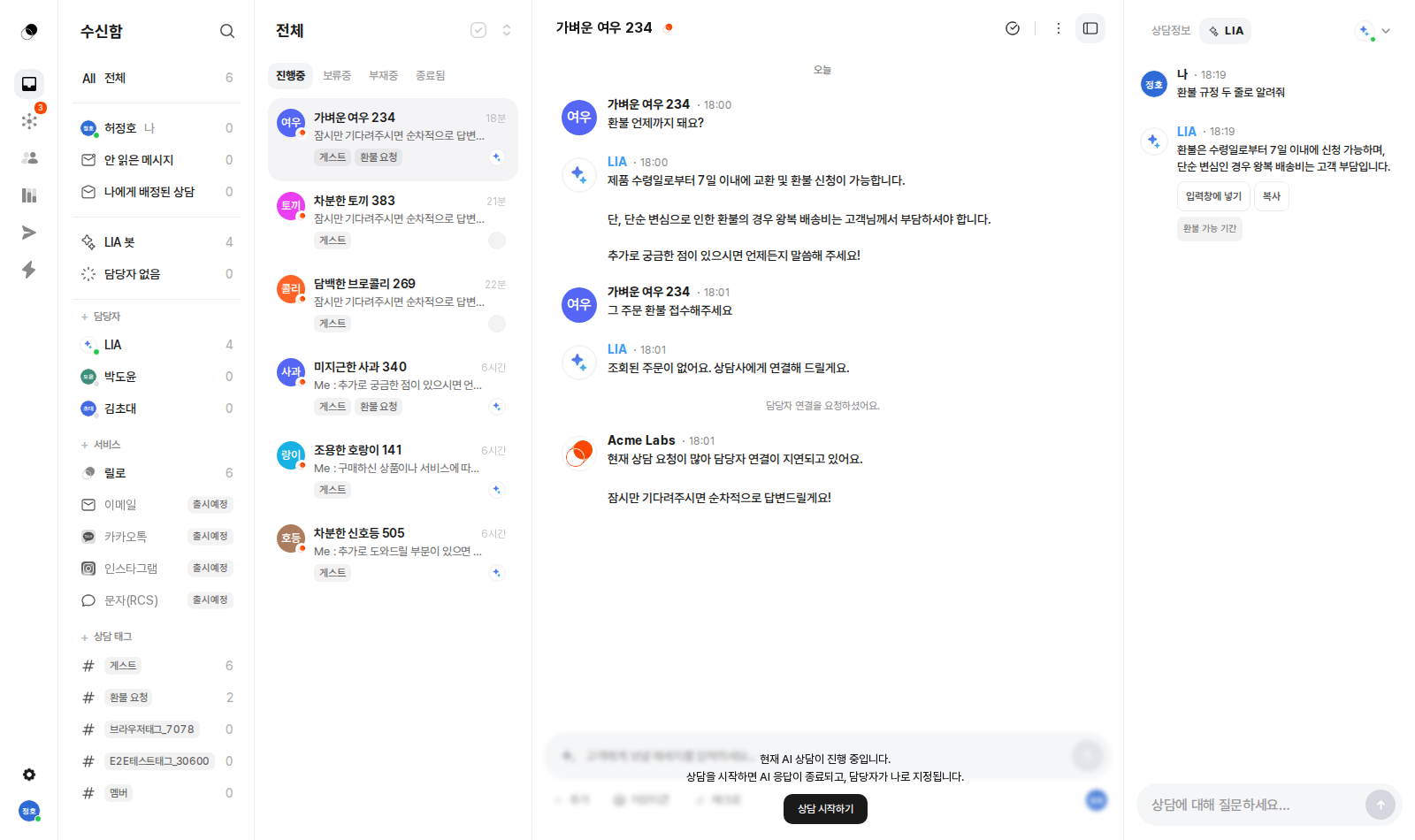
Refine knowledge with reference rates
See how much each piece of knowledge is used in answers through its reference rate. Refine frequently referenced knowledge to be more precise, and clean up knowledge that's never used. It's how you run your knowledge base on data instead of gut feeling.
Enough explaining.
The fastest way is to try it yourself
Setup takes just five minutes — hand your first conversation to LIA today.