
Commerce integration
"What's your order number?"
You never have to ask this again
Connect your store's API and the customer's order history appears right in the right-hand panel of the support screen. LIA reads the same data and answers shipping questions accurately.
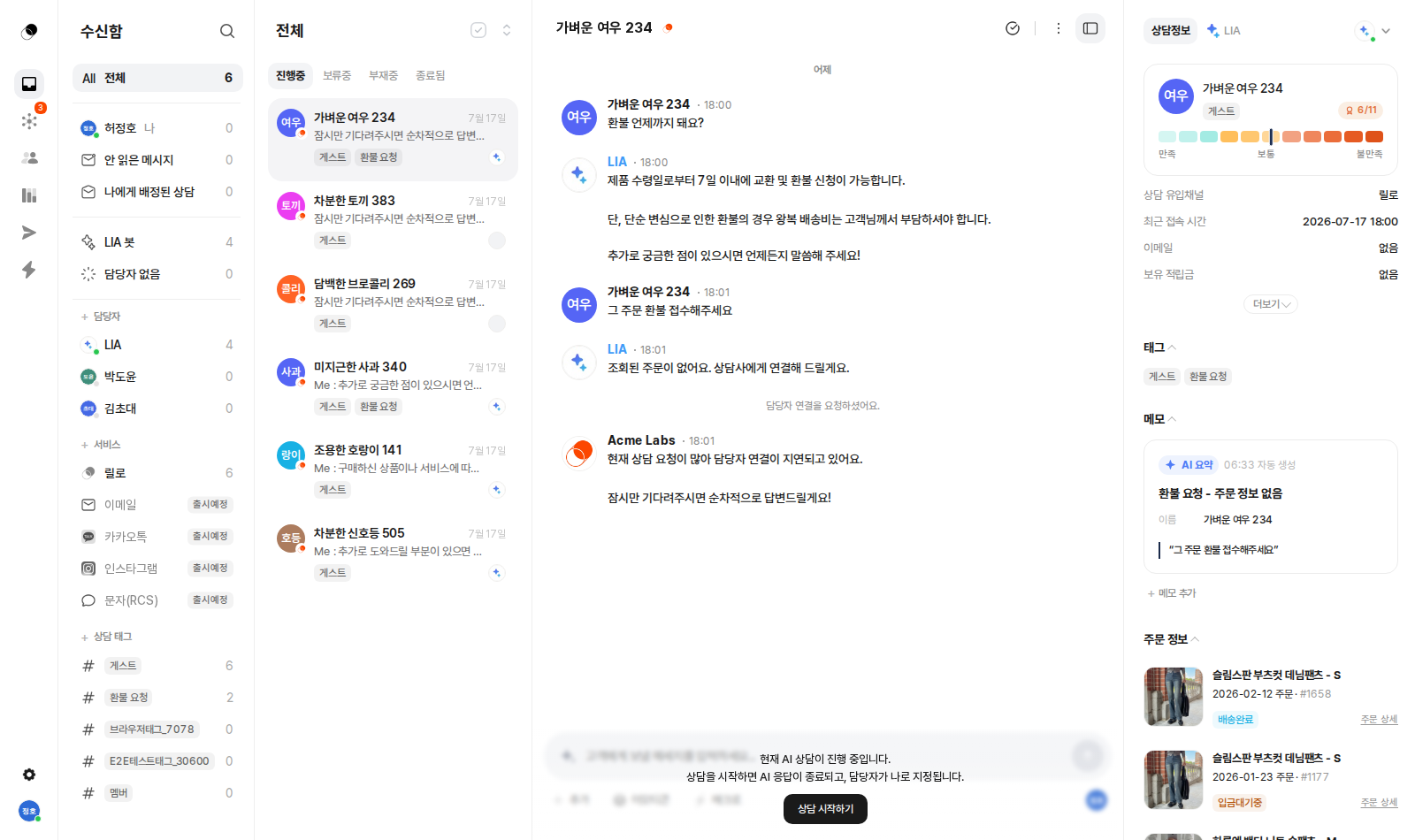

Support that knows the order is different.
Connect just one endpoint and shipping questions are settled on the spot.
How it works
How order inquiries end right on the spot
Customer asks
“Where is my order?”
LIA
Identifies the customer
Your store API
Looks up real orders
Instant answer
No order number asked
The same order info also appears in the agent side panel.
What's included
Order lookup on the support screen
Check order history in the right panel
Order-aware AI answers
Shipping questions answered accurately with order data
Single-endpoint integration
One orders API and you're connected
Simple response format
Order, status, items, and tracking are all it takes
WordPress support
Connect WooCommerce stores instantly
Getting started
Order history right inside the support screen
The moment a customer speaks up, their orders are already there in the right panel—with product thumbnails, order numbers, and shipping-status badges. The round trip of opening your store admin in a new tab and searching for an order number disappears. You can also jump straight to the order details.
Shipping questions resolve themselves
Integrated order data is reflected in auto-responses in real time. The most common question—"When will my order arrive?"—is resolved accurately without an agent's involvement. If no order can be found, LIA doesn't make something up; it guides the customer to an agent instead.
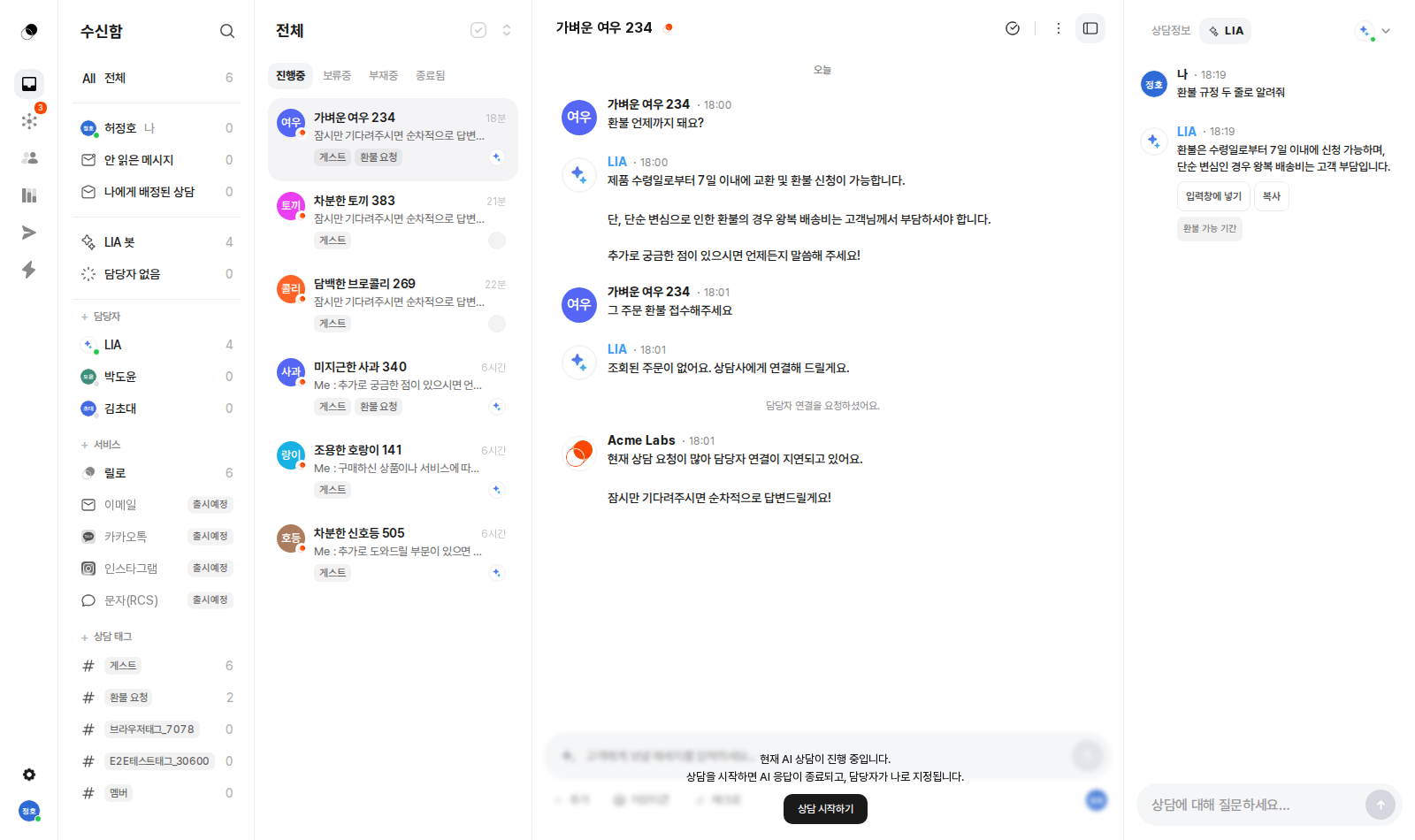
The whole integration is one endpoint
All your store needs to open up to Lillo is a single order-lookup endpoint. Lillo looks up orders by the current customer's identifier and reflects them on the support screen and in auto-response answers. No complex SDK installation, no data migration required.
# A single endpoint your store providesGET {api_base_url}/orders?user_id={external_user_id}# Lillo calls it with the current customer's ID# → auto-reflected in the right panel and LIA's answers
A simple response format
Just respond with an array of orders containing the order number, status, items, and tracking number. Lillo turns this data into order cards on the support screen and into shipping-guidance answers on its own.
{ "orders": [{"order_id": "20260714-0032","status": "Shipping","items": [{ "name": "Linen shirt", "qty": 1 }],"tracking_no": "590712345678"}] }
For WordPress, it's instant
For WordPress (WooCommerce) stores, just register the api_base_url and the integration is done. From the moment you finish connecting, order context is attached to every conversation, and shipping support changes starting that day.
Enough explaining.
The fastest way is to try it yourself
Setup takes just five minutes — hand your first conversation to LIA today.